



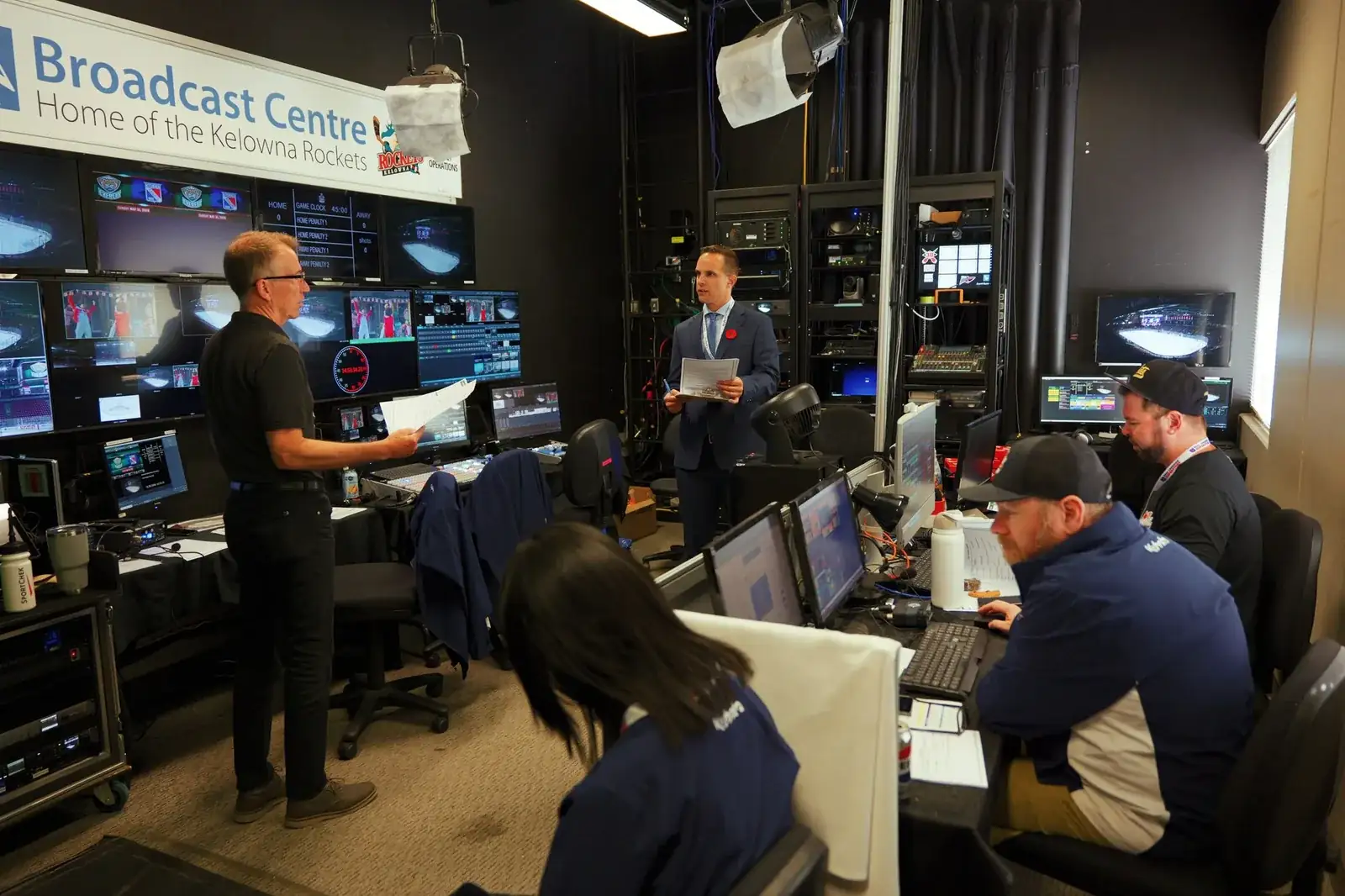
The run of show is the document your crew reads before you are awake.
The run of show should tell everyone exactly what is happening, who is responsible and what happens next. For a multi-day conference, SW wants enough detail so that a technician can look at the document at 7:00 in the morning and know exactly what needs to happen without having to track someone down. We consider this the heartbeat of the conference, and if it is detailed and organized, it will set the production crew up for success.
What every line carries
- Event time
- Room
- Session name
- Presenter
- Microphone required
- Presentation computer
- Video playback
- Lighting changes
- Camera/stream requirements
- Stage changes
- Cue for each video or presentation
- Presenter walk-on and walk-off
- Q&A timing
- Break timing
- Meal or room transition
- Technical notes
- Rehearsal time
- Doors open time
- Session start and end time
Build it in a spreadsheet
The format matters more than people expect. The Event Production Network puts it bluntly: "The best Run of Shows are created in a spreadsheet. The worst ones are created in a Word document" (Event Production Network, "Mastering the Run of Show," October 8, 2025). That article is published by an industry network rather than an editorial outlet, and its byline is an administrator account, so take it as practitioner consensus rather than doctrine. The reason it is right is mechanical. A row and a column force every line to answer the same questions in the same order, and a technician scanning down a column at seven in the morning is reading a shape, not prose. A document lets a session hide a missing microphone in a paragraph.
Who owns which column
The same source describes the document as living rather than issued: "The Run of Show lives in Google Sheets and updates in real time. Each department owns and updates its columns." Audio owns the microphone column, video owns playback and camera, lighting owns cues, and the planner owns session names, presenters, and timings. When one person retypes everybody else's information, the document becomes a record of what that person last heard rather than what is true.
It also sets out where information travels: "Information flows to the Assistant Stage Manager or Show Producer, then to the Stage Manager/Show Caller (the Run of Show owner)." Naming an owner is not bureaucracy. On a multi-day conference with concurrent rooms, an unowned document acquires two versions of the truth by the second afternoon.
Version control across days
Published guides tend to treat the run of show as one document. Across three or four days it needs a stated re-issue rhythm, and that is the field most conference documents are missing. Put a version number and a time stamp in the header, decide when the day's version is frozen, and say out loud which version is live at doors open. Then print it. A crew working a ballroom with no signal has the paper copy in their back pocket, and if the paper copy has no version on it, nobody can tell whether they are holding the current one.
Transitions and cues are their own lines
The Event Production Network's cue advice is worth reading against your own document: "Give transitions the spotlight. Declare the presentation platform early. State video and verbal roll cues." Most run of show documents record sessions well and transitions badly, which is backwards, because a session is one state and a transition is where four departments have to move at once. The walk on, the music, the lighting change, the slide advance, and the microphone handoff are separate events and each of them wants a line. Declaring the presentation platform in writing, meaning which computer and which software the deck actually runs on, prevents the most common failure in a conference ballroom, which is a file that opens perfectly on the wrong machine.
What rehearsal writes back into the document
Rehearsal is where the run of show stops being a plan. Jim Russell, global head of business events services at Maritz, made the case for it in Meetings Today: "We've all sat in events where things felt uncertain and the timing is off, and it detracts from the message... The audience experience is very much enhanced with a rehearsal, and executives have to plan their travel to allow for that" (Rob Carey, "Setting the Stage: Expert Advice for Affordable, Effective AV and Production," Meetings Today, May 15, 2026). The last clause is the one to send to your executives. A rehearsal window that a keynote speaker cannot attend is a rehearsal for everyone except the person the room came to see.
Rehearsal also earns its own rows. Time, room, who is required, what is being rehearsed, and what got changed as a result. The show caller works from the document while the show runs, which is the whole reason it exists (Rundown Studio, "Showcalling 101"), so anything discovered in rehearsal that does not make it back onto the page is a note that only one person is carrying.