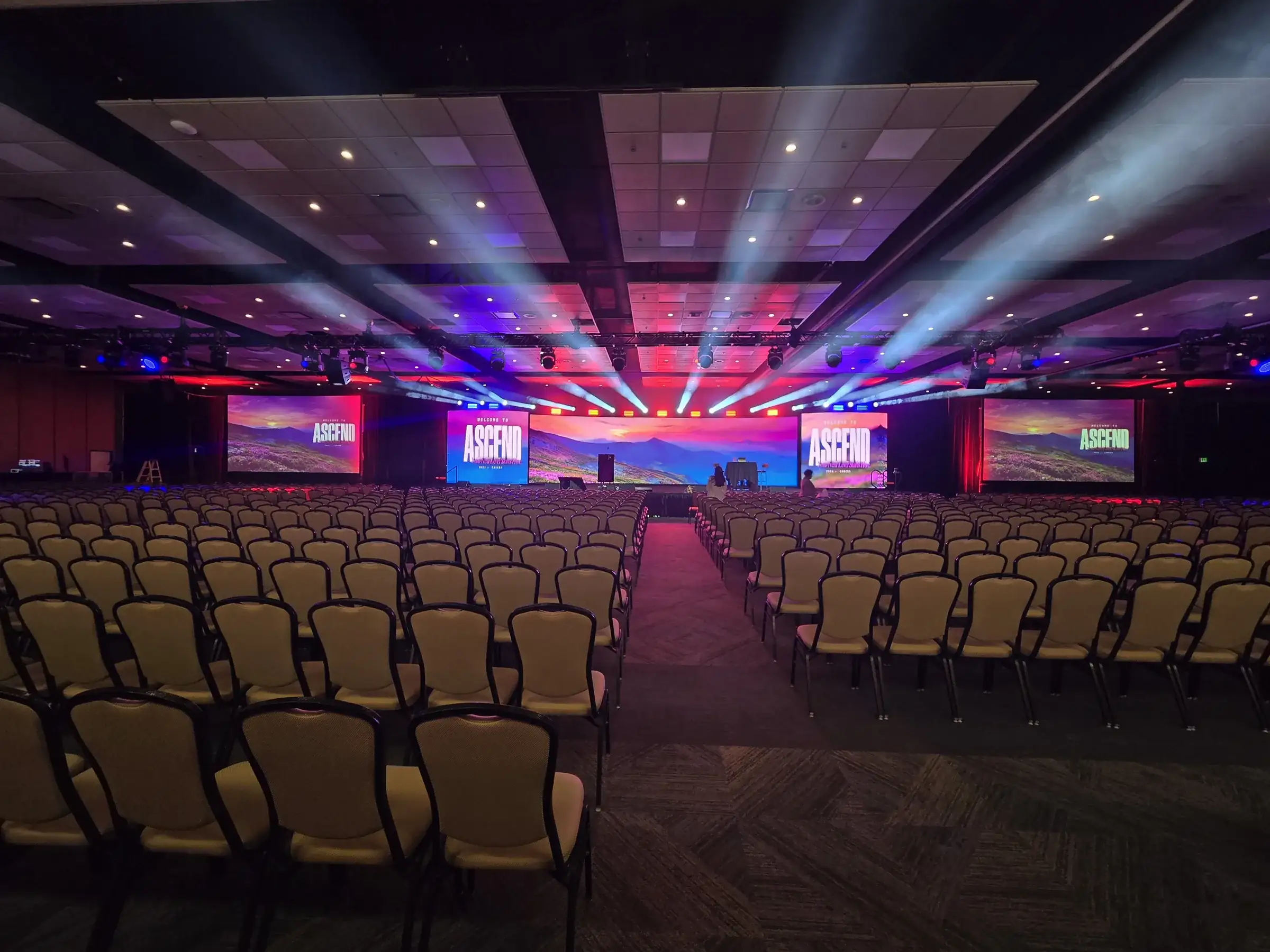
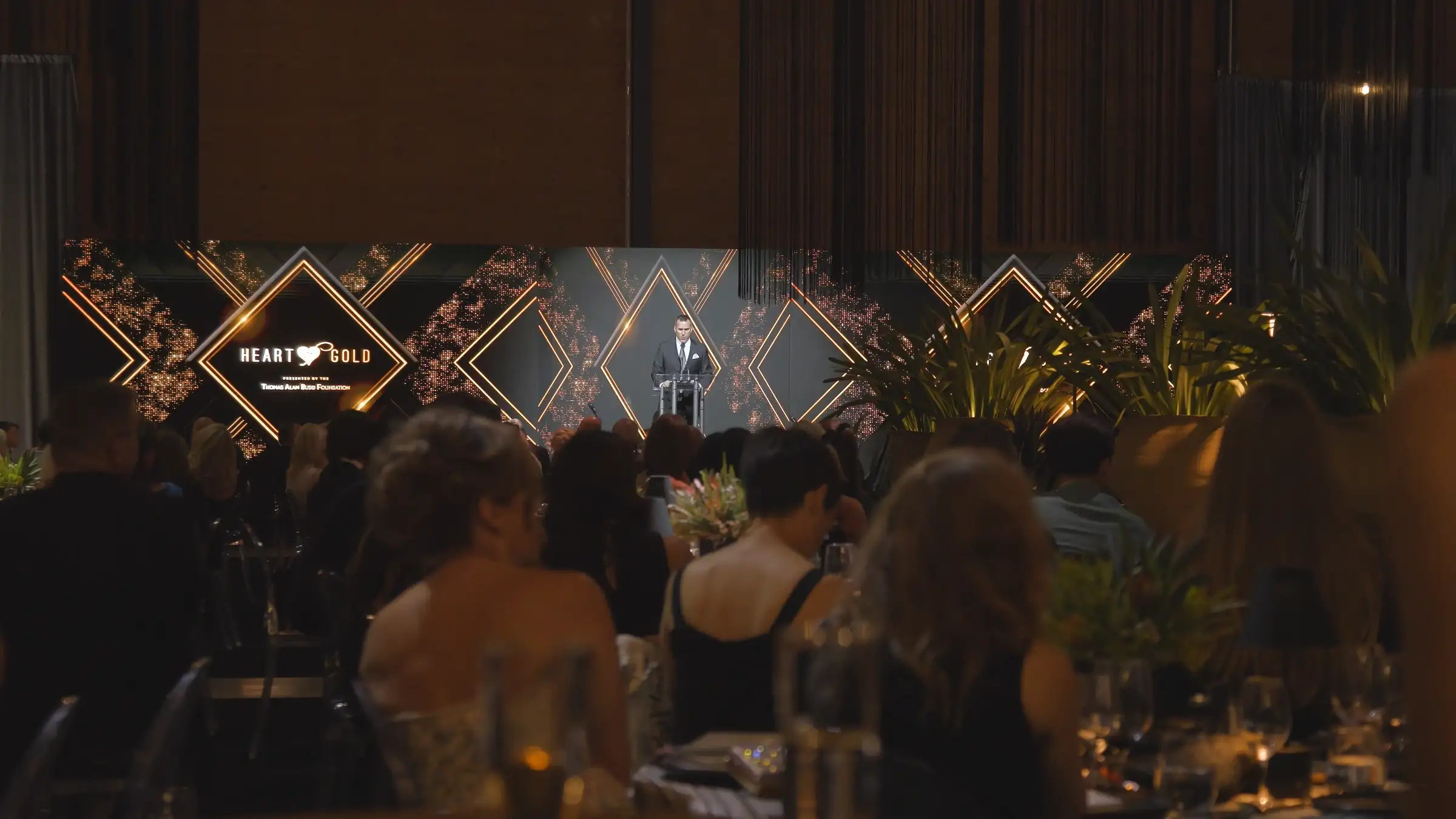

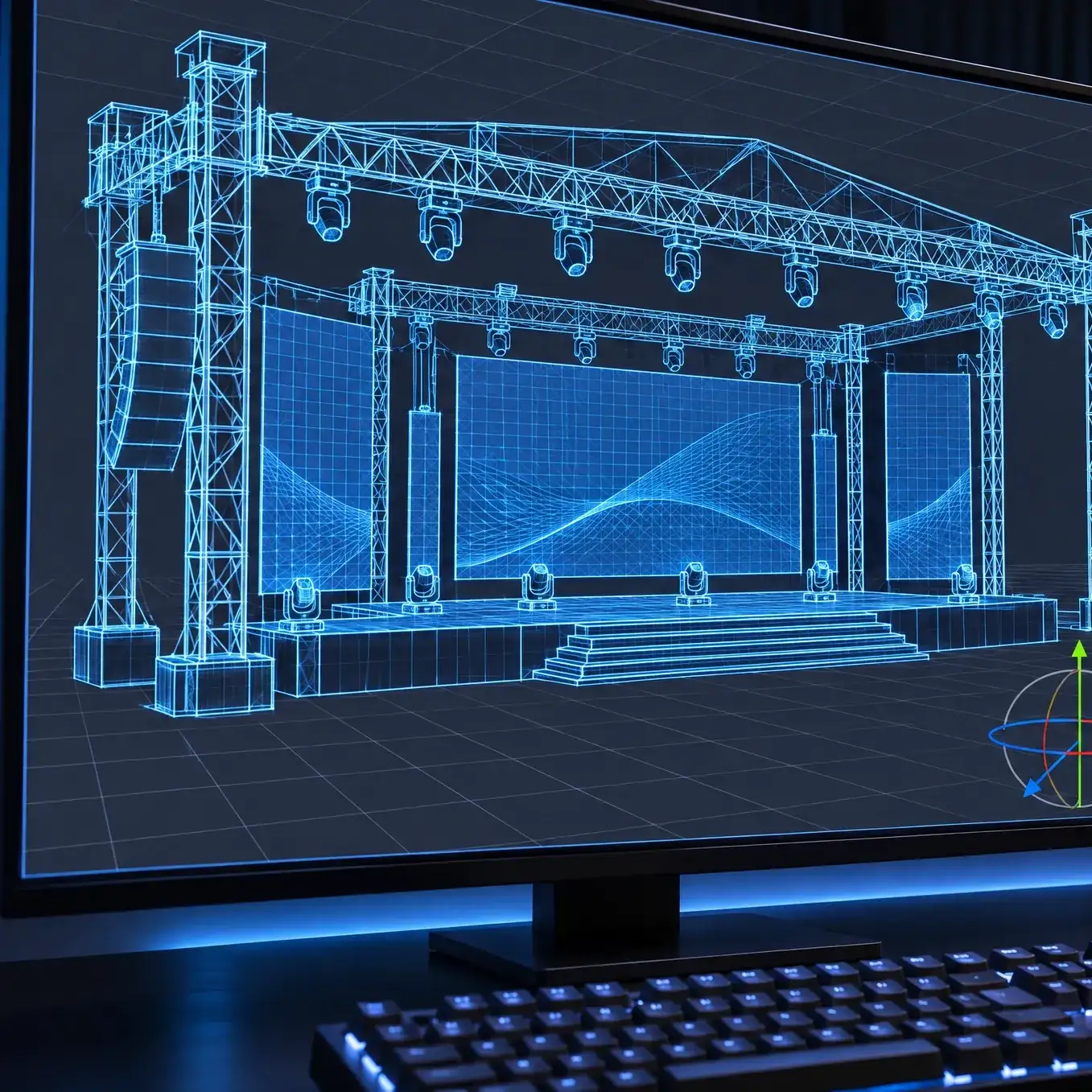



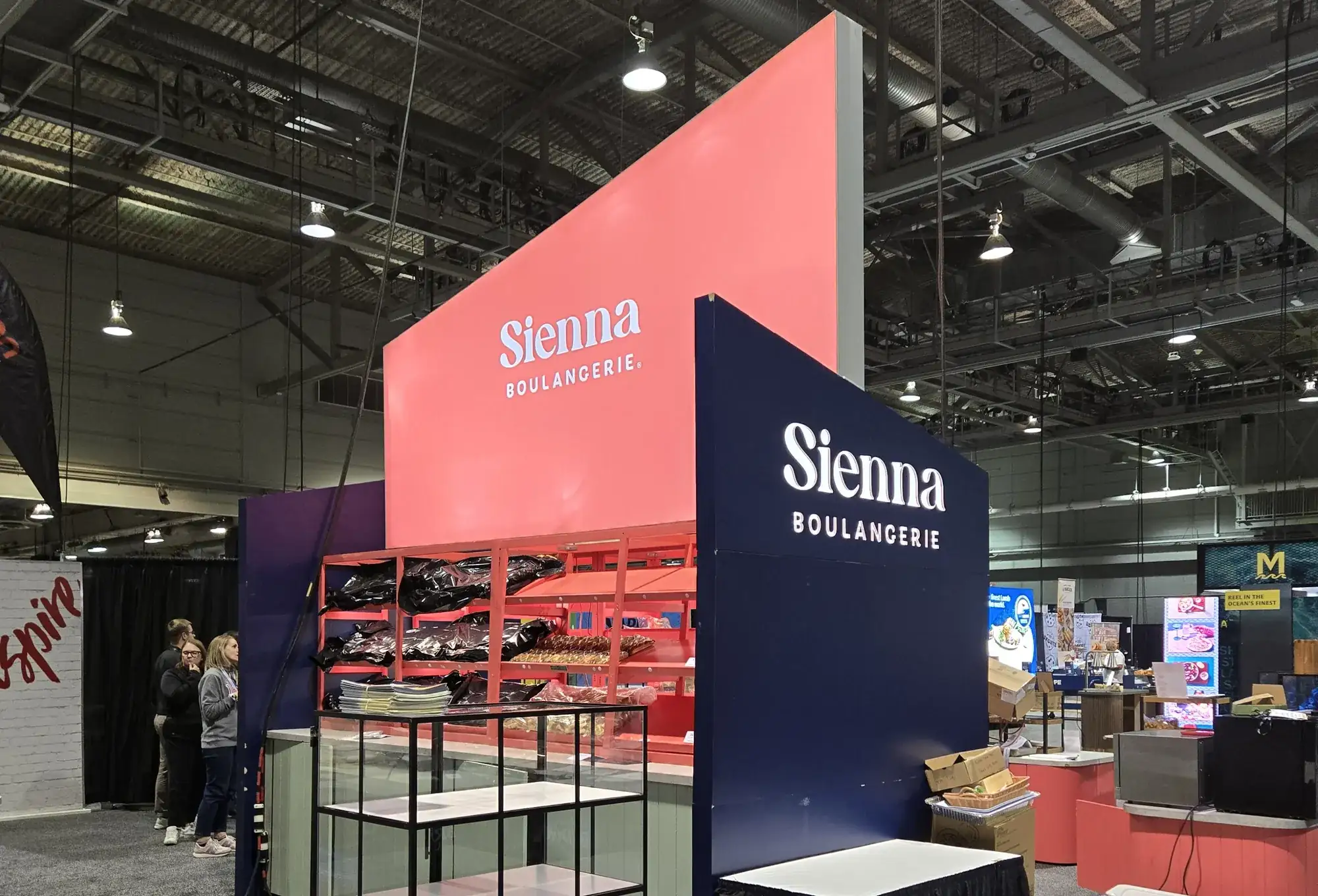
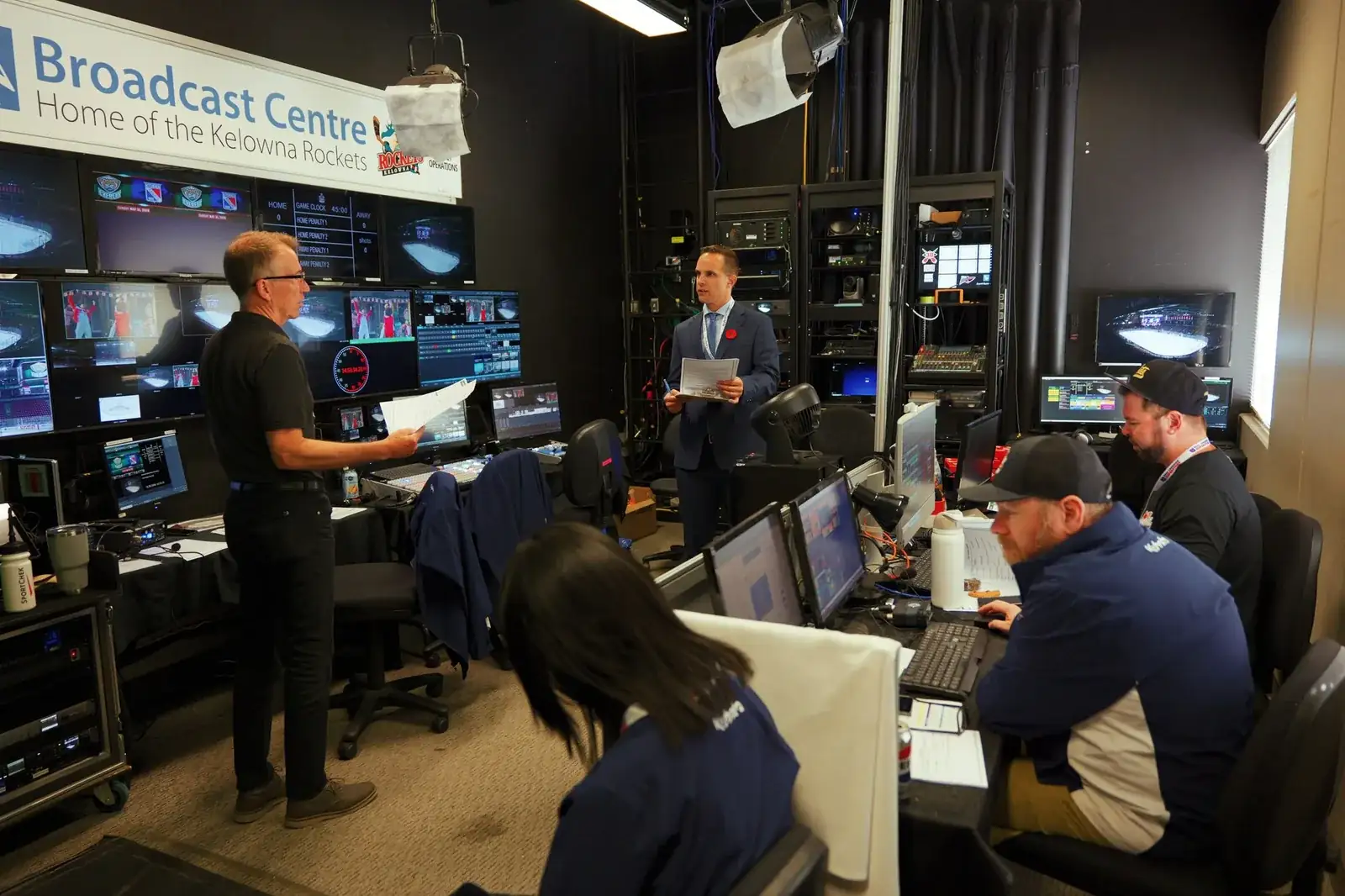
A presentation can need camera pictures, slides, playback, and different content on different screens. Those sources need a plan before they become cues.
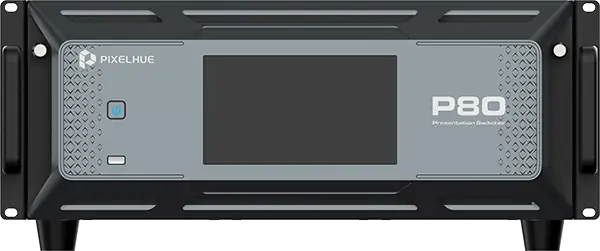
SW has added a PIXELHUE P80 presentation switcher to its video toolkit. The P80 is a presentation switcher for combining sources, arranging screen outputs, and preparing what goes to the audience next.
Build the screen plan around the programme.
PIXELHUE describes the P80’s presentation tools in terms of layers, preview-to-programme transitions, and keying. The connections are planned per show.
For your production, the useful starting point is the screen layout and the source list: cameras, presentation computers, media playback, and the content formats each needs to carry. Add the cue sequence and the people operating it.
Prepare the decisions before the cue.
Agree which sources need to be available together, what the audience sees on each display, and what the operator needs to check in preview. The switching configuration can then be scoped with the displays, cabling, playback, and crew.
Bring the programme and the screen requirements to SW. The presentation system is specified around the show you need to run.